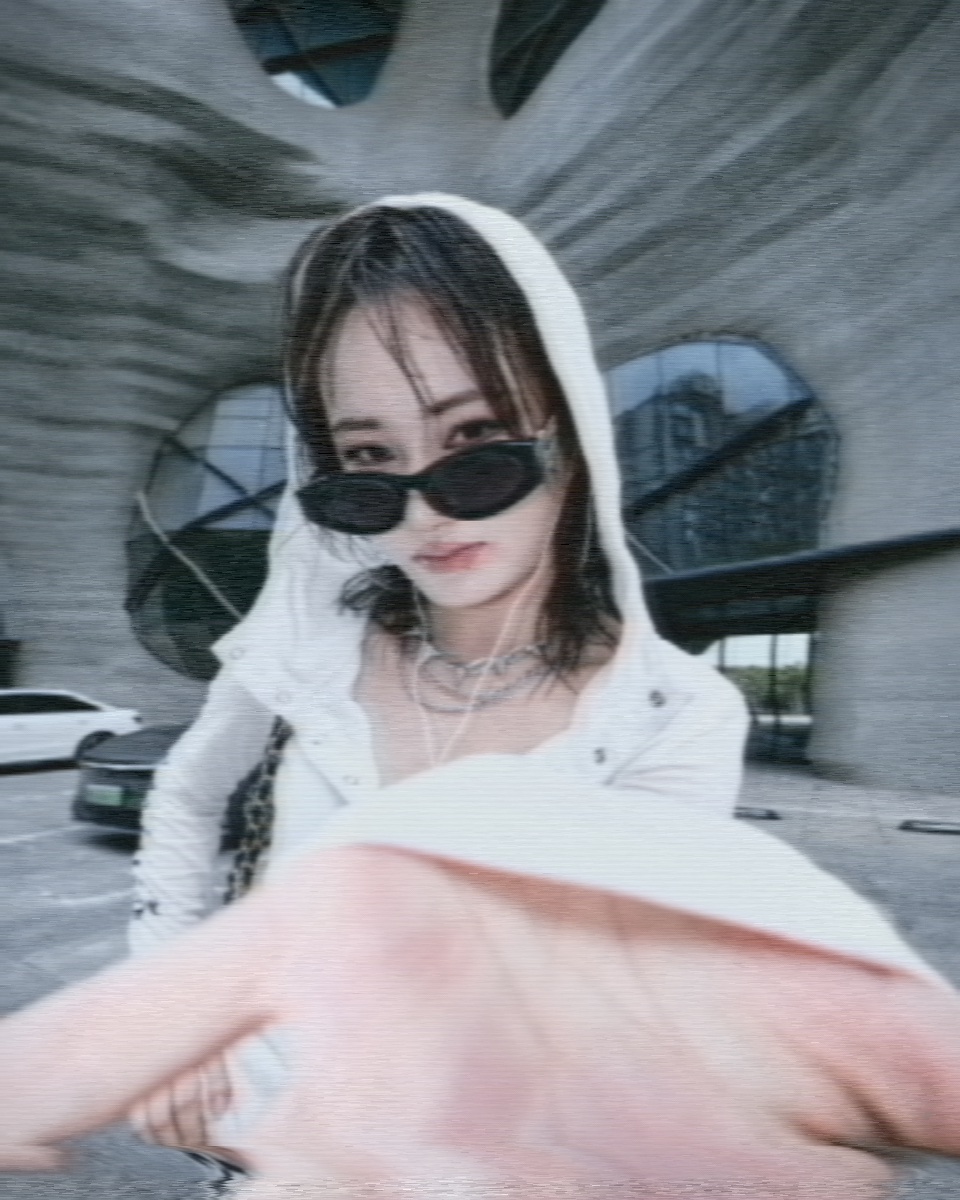
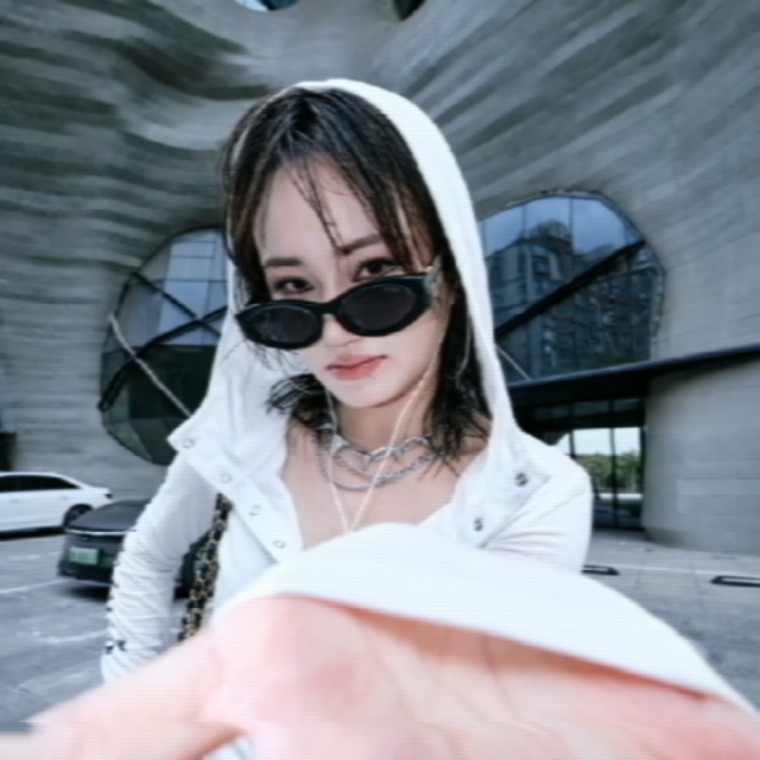
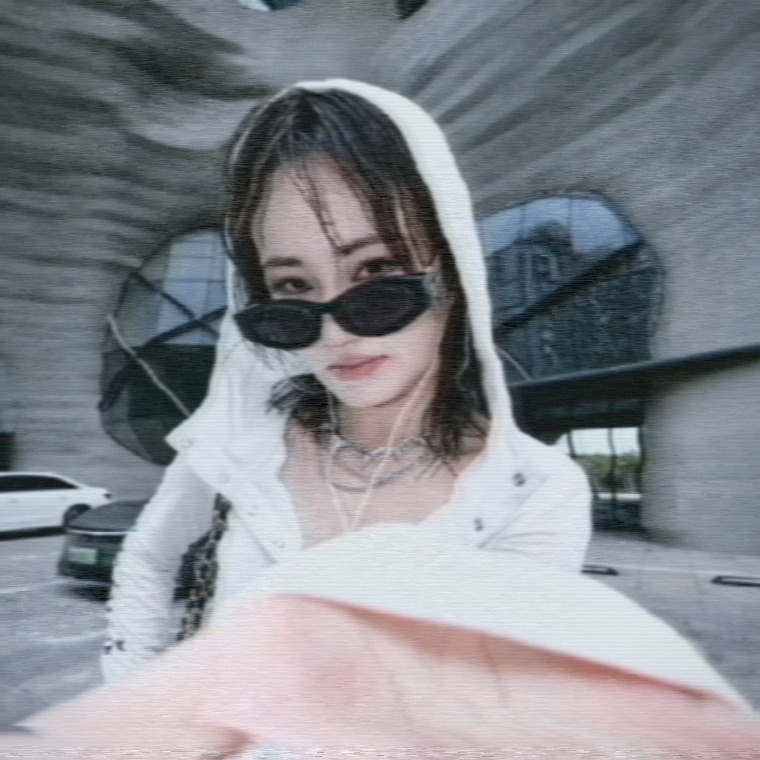
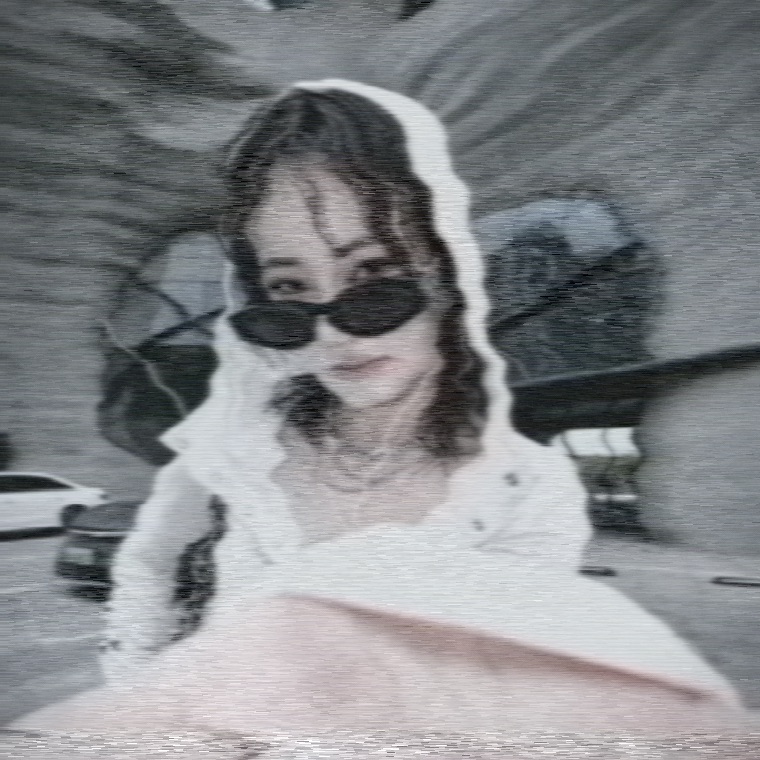
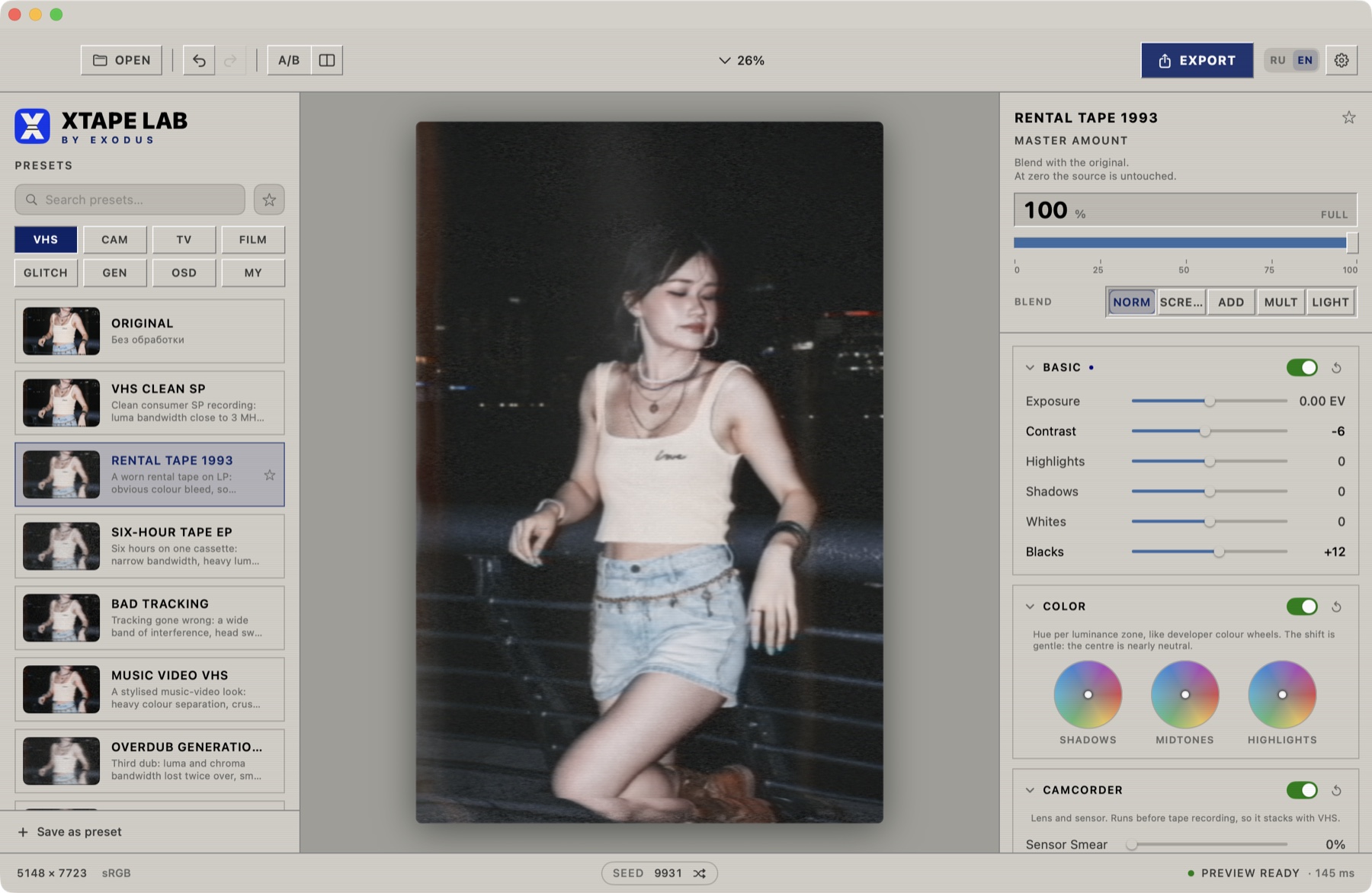
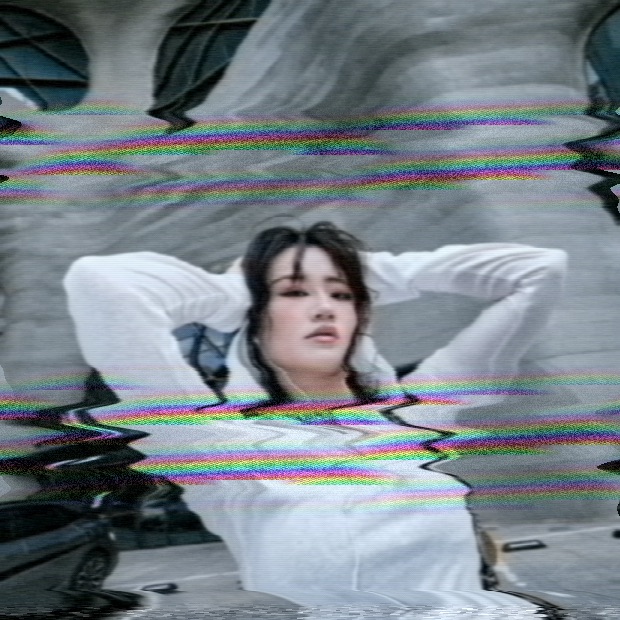
A native VHS, film and analogue-failure editor for macOS. Your frame runs through a model of a real video chain: luma and chroma are split apart, lose bandwidth, pick up noise and are assembled back — the way hardware did it, not a layer of grain dropped on top.
Most "VHS effects" are noise and stripes laid over a digital picture. Here the frame actually travels the chain, and every artefact is born where it was born in hardware.
Nothing was retouched between these. Same file, same framing — only the preset changes. Watch where the softening lands, how far colour runs past an edge, and where the noise decides to live.


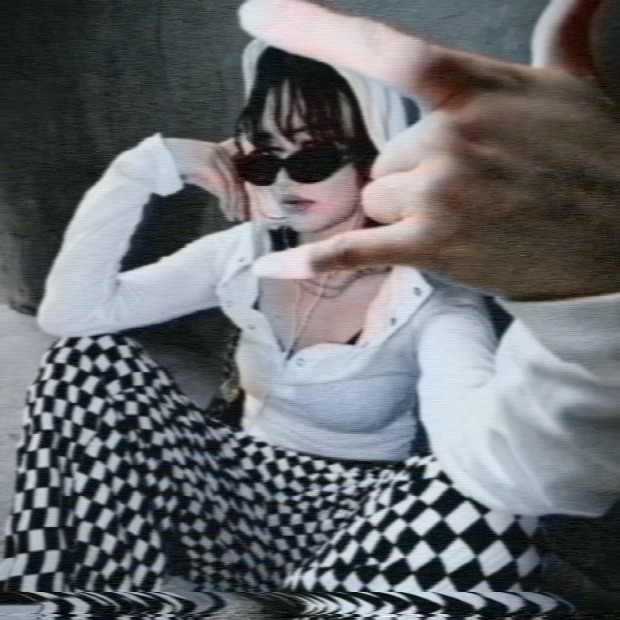
Fine repeating patterns are the hardest thing for a video chain to carry — and the first thing a noise-overlay filter gets wrong. Real chroma runs sideways along the line, breaks up across the check, and drags the pattern toward one hue.


The model behind all of this is calibrated against 4K scans of real cassettes: dropout shape, dash length and noise structure were matched frame by frame, with measured statistics rather than by eye.
46 factory presets across eight families. Pick one and it works. Want to go deeper — every effect has its own controls, down to the noise response curve across the luminance range.
| VHS chain | Luma and chroma bandwidth, pre-emphasis, ringing on hard edges, head smear, dot crawl, signal ghosting, vertical hold failure, the head-switching band. |
|---|---|
| Tape damage | Signal dropouts with free dash shape, a separate control for the snow veil, mistracking, line jitter, edge wave with independent top, middle and bottom zones. |
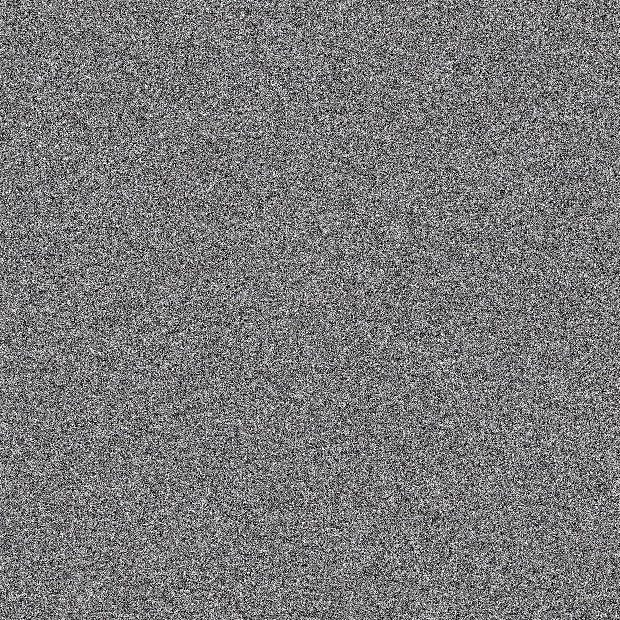
| Noise | Flake structure taken from a 4K scan of a real noise field. A five-point response curve across luminance: noise lives in the shadows and drowns in the highlights, exactly as on a real recording — and you can override it. |
| Camera and film | Sensor smear, aberration, breathing auto-exposure and white balance, halation, grain, dust, scratches, light leaks, gate weave. |
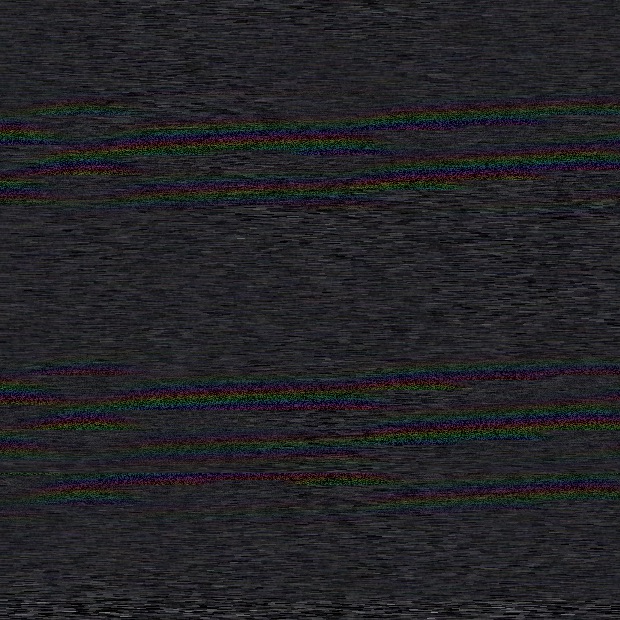
| Digital failure | Channel split, slice and block displacement, frame tear, pixel sort, posterisation, echo, strobe with millisecond timing, shuttle-search bands with a rainbow comb. |
| Time | Playback freezes and stutters. The frame stalls while the noise keeps living — like a player that's actually lagging. Export hangs frame for frame with the preview. |
| Colour | Three wheels: shadows, midtones, highlights. The shift is soft and log-like — luminance stays put, only hue moves. |
| Export | Always full resolution. H.264 and ProRes 422, ready targets for the usual platforms, an honest time estimate and cancel at any point. |
| Engine | Rust with Metal acceleration. 4K video previews at 50–60 frames per second. The CPU path stays the reference and is verified by tests. |
| DaVinci Resolve | An OFX plugin is included: the same presets, a separate on-screen-display list, blend modes and relative trims, right on the Color page. |
A generator builds the frame from nothing and pushes it through the same chain, so the snow comes out alive instead of flat static. Drop one over your own footage, or export a couple of seconds and cut it between scenes.


Moments. Set an effect, give it a range, pin it. It keeps running while you move on to the next one: No Signal at the head, rewind noise in the middle, blue screen at the tail. All of it bakes into the export exactly where you placed it.
This is the same maths the app runs: direction is hue, distance from the centre is strength. Never more than ±18% at the rim and nearly neutral in the middle — the correction is gentle, not destructive. The grey wedge below is tinted live.
Drag the dots · double-click to reset
A Mac with Apple silicon (M1 or newer) and macOS 14 or later. Tested on macOS 26. It will not run on Intel Macs — the build is Apple silicon only.
That's how the system greets any app that doesn't come from the App
Store: it isn't notarised, so macOS can't verify the author. Launch it
from your Applications folder, click "Done", then open System Settings
→ Privacy & Security and click Open Anyway. Or do it in one
Terminal command:
xattr -dr com.apple.quarantine "/Applications/XTAPE LAB.app"
A LUT only moves colour — it can't blur a scan line, collapse chroma bandwidth, place dropouts or break vertical hold. Here the picture passes through a model of the chain, so the artefacts behave coherently: bandwidth, noise and damage depend on each other the way they did in hardware.
During playback the frame renders on a light proxy — otherwise there'd be no real time. On pause it is recalculated at your chosen quality (up to 2560 px), and export always runs at full resolution.
Yes. Range limits an effect in time — start and end in seconds, with soft edges. Moments go further: pin several different effects at different points of one clip. Everything bakes into the export.
Copy the bundle into /Library/OFX/Plugins/, clear the
quarantine flag (the command ships inside the disk image) and restart
Resolve — the effect appears under OpenFX → Filters → XTAPE LAB.
You need Resolve Studio: the free version doesn't load
third-party OFX plugins.
Both: JPEG and PNG, plus MP4 and MOV video — H.264, HEVC and ProRes. Time-based effects like freezes and vertical roll only make sense on video and stay hidden for stills.
Nothing. It is free while it is in beta — every preset, every parameter, full-resolution export with no watermark, and the Resolve plugin in the same disk image. No account, no trial timer.
It's a beta: rough edges are possible and things still move between builds. In exchange, the useful part is your feedback — what looks fake, what got in the way, what broke.
The full manual — every chain parameter, all shortcuts and a troubleshooting section — ships with the app.
No account, no trial timer, no watermark. Every preset and every parameter is unlocked, export runs at full resolution, and the DaVinci Resolve plugin sits in the same disk image.
xattr -dr com.apple.quarantine "/Applications/XTAPE LAB.app"Found something broken or fake? Say what preset it was and what you expected — that's the whole point of a beta.